Last updated: October 25, 2026.
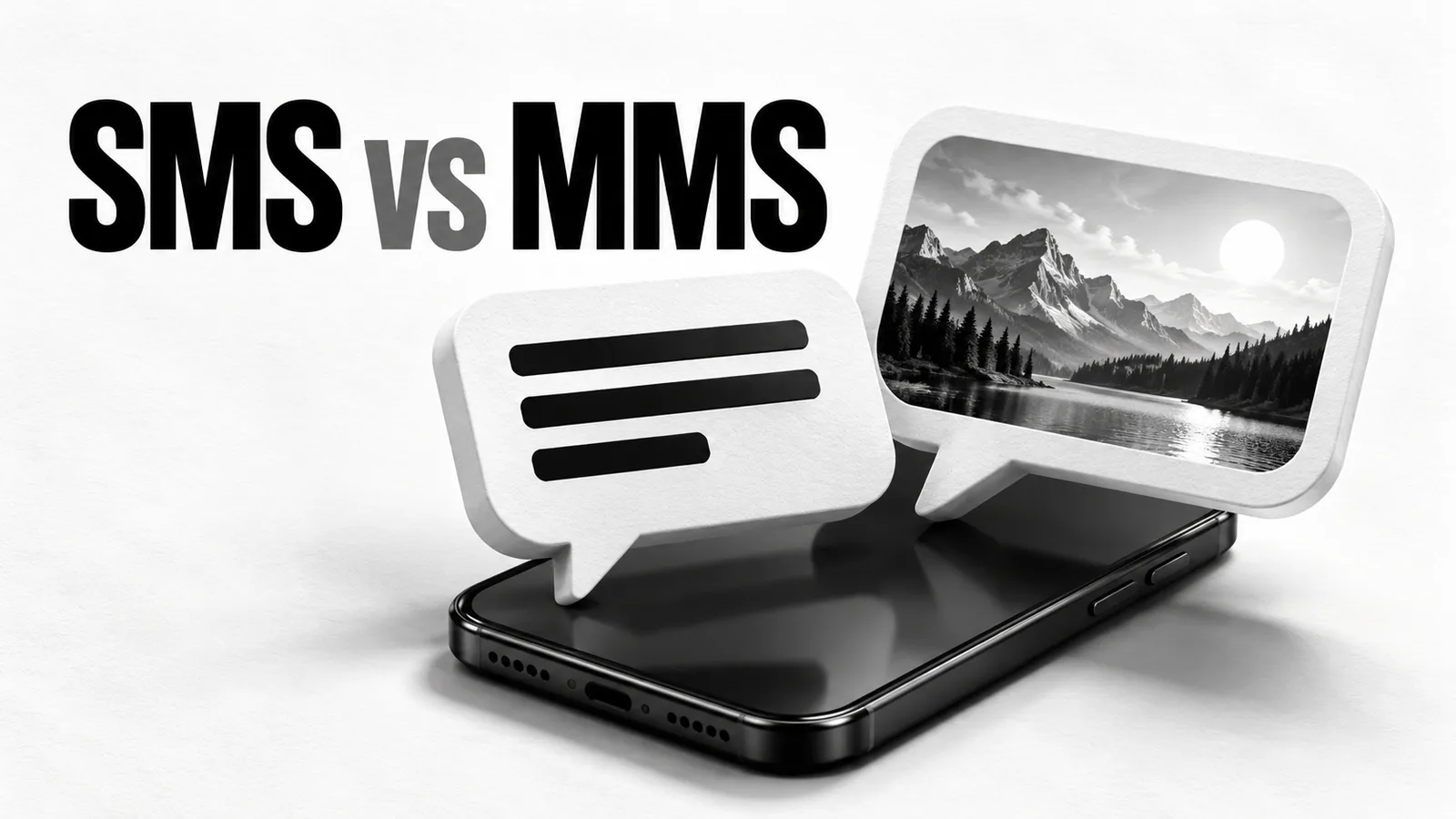
SMS carries text. MMS can carry attachments such as pictures, audio and video through a carrier's messaging service. If you are comparing SMS vs MMS, the useful distinction is whether you are sending text characters or an actual media attachment.
A link written in a text message can still be SMS. A photo attached to that message needs a media-capable method, such as MMS, RCS or an app's own messaging service. Your phone's Messages app can handle several methods, so the app name alone does not identify what you are sending.
SMS and MMS at a glance
| Question | SMS | MMS |
|---|---|---|
| What does it mean? | Short Message Service | Multimedia Messaging Service |
| What does it carry? | Text characters, including a written URL | Text and supported media attachments |
| What limits apply? | Encoding and SMS segment capacity | Carrier and device limits on attachments and message content |
| Does the label imply end-to-end encryption? | No | No |
| What should you check about charges? | Text allowance and any segment or destination charges | MMS support and the applicable carrier plan |
Twilio's MMS explanation describes the media service and how the receiving network and device affect delivery. An attachment that works for one recipient may be handled differently by another carrier.
Does a long text automatically become MMS?
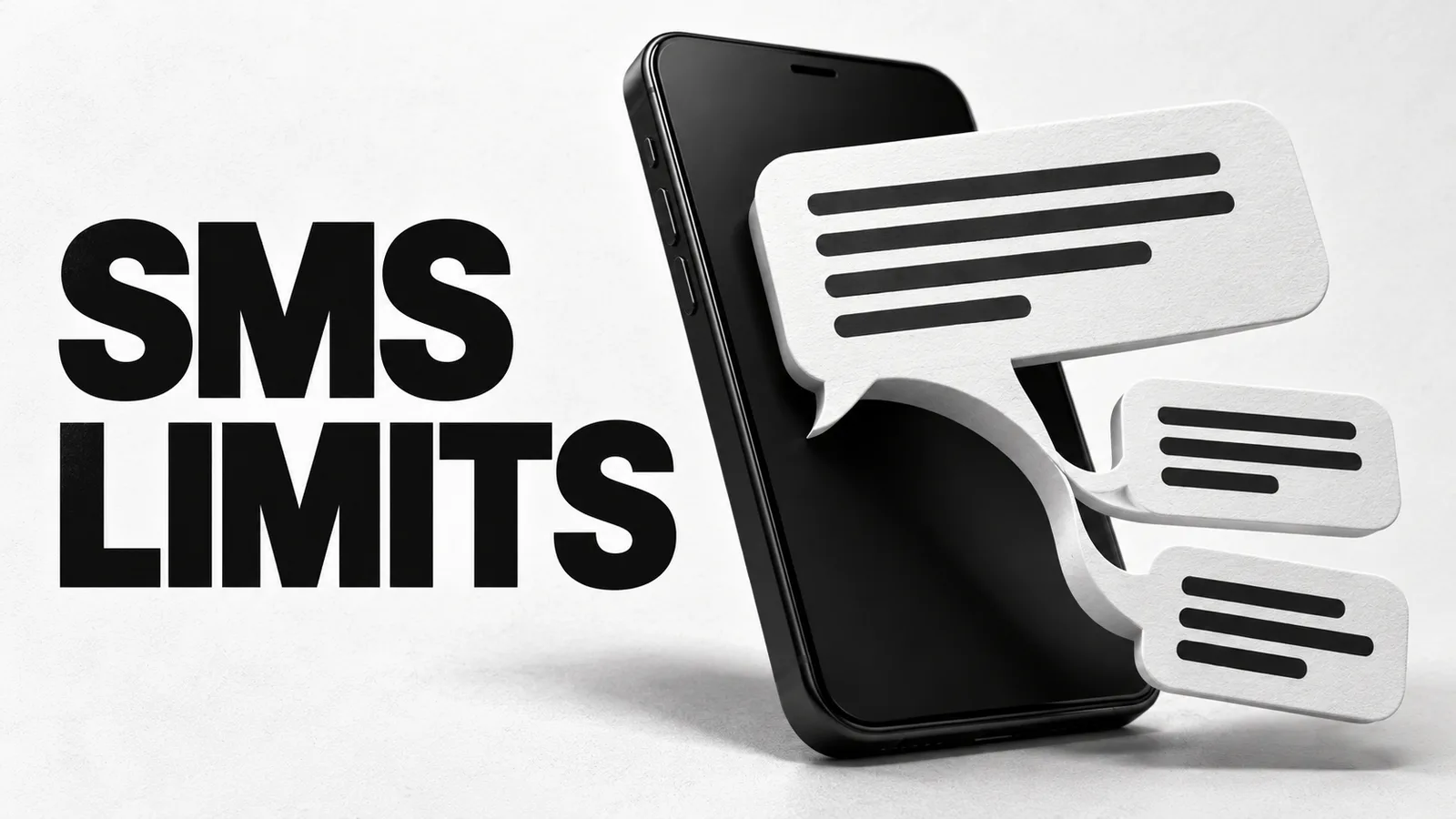
A long text can be sent as several SMS segments and appear as one combined message. Length alone does not mean that the message has become MMS. Some apps may choose another method depending on their settings, so check the sending indicator rather than assuming a universal rule.
The familiar 160-character SMS limit applies to a single segment using the basic GSM-7 alphabet. Unicode characters and multipart messages change the available space. The SMS character-limit guide shows the 160/70 and multipart boundaries, including worked examples.
An emoji is also different from an attached image. It can be represented as text, although its encoding may increase the number of SMS segments. Selecting a picture from your photo library introduces a media attachment. Treat these as separate checks when a message costs more or changes method.
How to tell what your phone is sending
In Google Messages, inspect the sending-method indicator before you send. Google's settings guide shows indicators for Wi-Fi or mobile-data messaging, SMS and MMS. RCS support and the recipient's settings can change the available method for a conversation.
On iPhone, a green bubble does not identify MMS by itself. Apple distinguishes iMessage, RCS and SMS/MMS: RCS and SMS/MMS can appear green, while iMessage appears blue. Look at the conversation and available settings, rather than relying on the bubble's color alone.
Why a photo may fail when a short text works
First establish whether the failed message is MMS, RCS or an app-specific message. Then check the requirements for that method. A successful SMS does not prove that media messaging is enabled or that the attachment is acceptable.
- Confirm the receiving number and the method shown by the app.
- Check that your carrier plan supports the messaging service you are trying to use.
- For an attachment, check the file type and the limits set by the sender's provider and recipient's carrier.
- Check the relevant connection and any error beside the message before retrying.
Apple's message troubleshooting guide notes that carriers may limit attachment sizes and that an iPhone can compress photos or videos when necessary. There is no single file-size promise that applies to every MMS route.
A media link in an SMS is another possible arrangement. For example, Twilio's MMS Converter can send an SMS containing a link to the media for destinations where it cannot deliver the MMS. The text may arrive even though the image is not attached inside that SMS.
Choose by the content and the recipient
For a brief text-only note or code, check the SMS route and allowance. If the recipient needs an attached photograph, check MMS or another supported media method. For a private conversation, also check encryption: SMS and MMS do not provide end-to-end encryption simply because they appear in the same app as encrypted chats.
If an accepted verification text is missing, use the missing-code guide to check its destination and delivery method.
For a browser-based example, the Way2SMS alternative for receiving texts explains incoming versus outgoing messages. Reading an SMS inbox does not provide a way to send attachments, and the SMS label alone does not establish MMS or RCS support.