Back to Blog
Guides August 10, 2026 78 views

Verification Code Not Received? 12 Reasons Your SMS Isn't Arriving—and How to Fix It

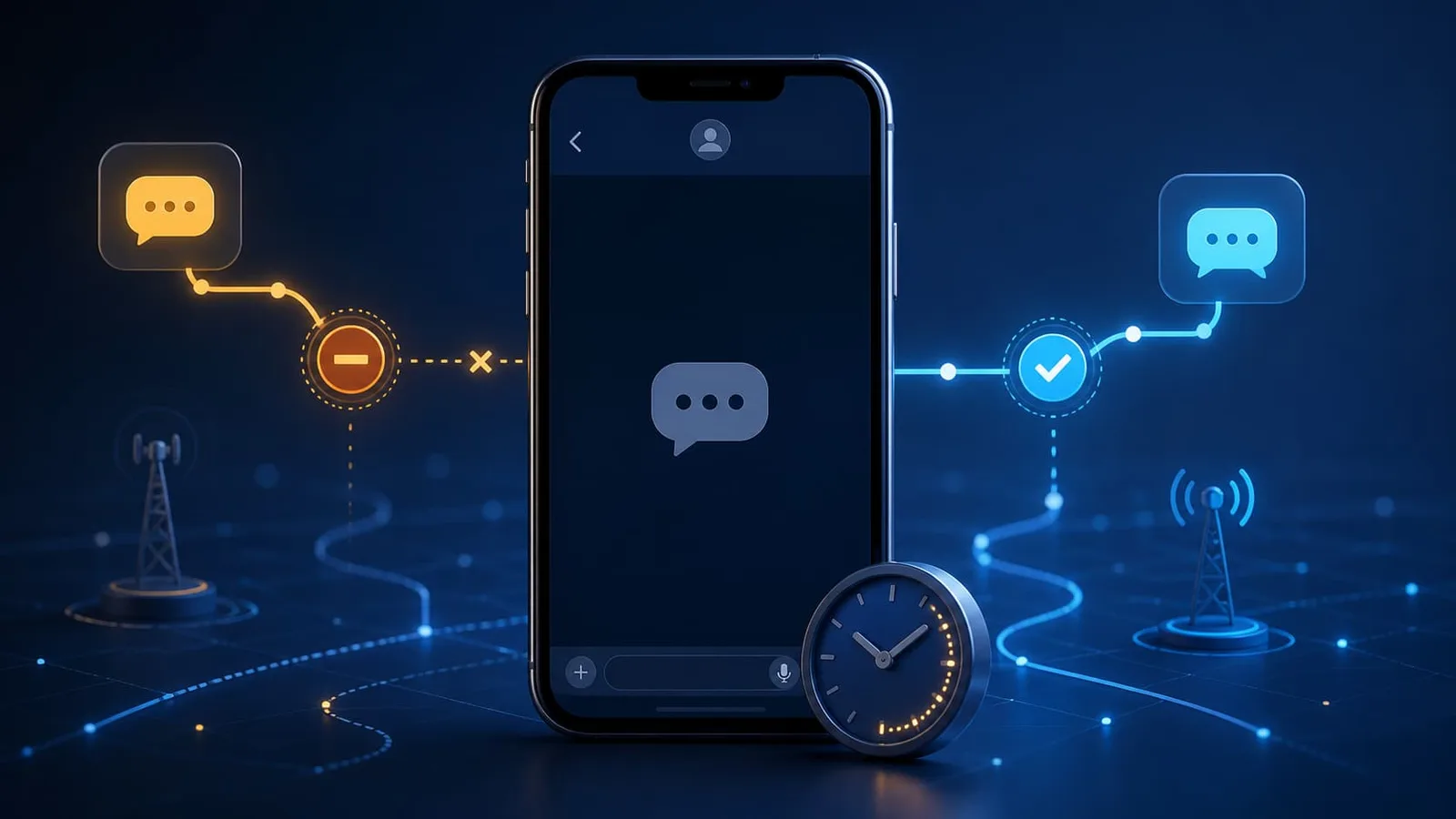
A smartphone waiting for an SMS verification code while message routes are checked

Verification Code Not Received? 12 Reasons Your SMS Isn't Arriving—and How to Fix It

You enter your phone number, tap Send code, and wait. Nothing arrives. You wait a little longer, request another code, and still see an empty inbox.

The frustrating part is that “verification code not received” looks like one problem. It is not. The request can fail at the website sending the code, somewhere along the carrier route, or at the number receiving it. Asking for code after code without knowing where the failure happened can make matters worse by triggering a rate limit.

Start with the basics: confirm the country code and phone number, wait a few minutes, and request the code only once more. Then check whether the number can receive automated SMS at all. If you are using a virtual or temporary number, the sender may reject its line type before any message is sent.

This guide walks through the most common causes in a useful order, so you can stop guessing and focus on the fix that fits your number.

A 60-second checklist before you request another code

Run through these checks first:

  1. Confirm that you selected the correct country.

  2. Re-enter the phone number without missing or duplicated digits.

  3. Check whether the form expects the country code separately.

  4. Wait a few minutes before pressing Resend.

  5. Make sure your phone or online inbox can receive other messages.

  6. Check for a voice-call, email, authenticator, or passkey option.

  7. Do not keep requesting new codes in rapid succession.

If you have already submitted several requests, stop for a while. Microsoft warns that excessive or repetitive requests can cause verification delivery to be temporarily blocked. Google also limits the number of recovery-code requests and notes that, when multiple codes are requested, only the newest one may remain valid.

Where can an SMS verification request fail?

It helps to picture the process as three checkpoints:

Checkpoint

What happens

Common failure

The sender

The website decides whether to create and send a code

Risk block, rate limit, unsupported number type

The route

Carriers and messaging providers deliver the SMS

Delay, blocked short code, routing problem

The destination

Your phone, app, or online inbox receives the message

Wrong number, filtering, inactive line

A strong signal is whether the sender shows a confirmation such as “Code sent.” If it rejects the number immediately, the problem is probably format, eligibility, or line type. If it accepts the request but nothing arrives, the issue may be routing, filtering, or the receiving number.

That distinction is not perfect—some services intentionally show vague messages for security—but it gives you a sensible place to begin.

12 reasons your verification code is not arriving

1. The country or calling code is wrong

Country selectors are easy to overlook, especially when a website fills one automatically. If you choose United States, the international calling code is +1. Some forms add it for you; others expect you to enter it with the number.

A duplicated prefix such as +1 +1, a missing digit, or a number pasted with unsupported characters can stop the request before it reaches a carrier.

What to do: Select the country manually and re-enter the number. If the form already displays +1, enter only the ten-digit US number. If it asks for a complete international number, include +1 once.

2. You requested too many codes

The resend button feels like the obvious fix, but every tap creates another verification event. Websites limit these requests to control fraud, bot traffic, and accidental messaging costs.

The limit may apply to your number, account, device, network, or a combination of signals. Once it is triggered, switching numbers repeatedly may extend the problem instead of solving it.

What to do: Stop requesting codes and follow the waiting period shown by the service. If no period is displayed, give the system time to reset rather than trying every few seconds. When you try again, make one clean request.

3. The sender flagged the attempt as unusual

A website can decide not to send an SMS when a signup or login looks risky. A sudden location change, many failed attempts, automated behavior, or activity that differs sharply from your normal pattern may trigger additional checks.

This does not necessarily mean your account is banned. It may be a temporary protective block.

What to do: Use your normal device and network, pause repeated attempts, and complete any security checks the service presents. Avoid cycling through VPN locations or creating more accounts; that can make a legitimate attempt look less trustworthy.

4. The message is delayed between providers

An SMS may pass through several systems before it reaches the destination. Most verification texts arrive quickly, but congestion, maintenance, or an unstable route can introduce a delay.

This is particularly confusing when the website has generated the code correctly but the message reaches you after the code has expired.

What to do: Wait a few minutes and keep the verification screen open. If a delayed code arrives after you requested a newer one, use the newest code. Many systems invalidate earlier codes when a replacement is created.

5. Your carrier blocks short-code or automated messages

Verification messages are often sent from short codes, alphanumeric sender IDs, or application-to-person messaging routes rather than ordinary mobile numbers. A carrier can allow person-to-person texts while blocking one of these automated routes.

Google's account-help documentation specifically lists blocked short codes as a possible reason a recovery text does not arrive.

What to do: Ask your carrier whether short-code, premium, international, or automated SMS is blocked on your line. If you recently changed plans, also confirm that inbound SMS is fully active.

6. The message was filtered or the sender was blocked

Phones and messaging apps increasingly separate unknown senders, suspected spam, and blocked contacts. The code may have arrived without appearing in your main conversation list.

What to do: Check spam, blocked-message, and unknown-sender folders. Search the messaging app for the service name. If you use a third-party SMS app, briefly check the phone's default messaging app as well.

Do not disable security filtering permanently just to receive one message. Re-enable any protection you turn off during troubleshooting.

7. The number cannot receive SMS from that sender

A phone number can be valid without being able to receive every kind of SMS. Some lines are voice-only, landline, data-only, or unable to accept messages from particular short codes and international routes.

This is common with travel eSIMs: an eSIM is simply a digital way to activate a plan. The plan itself determines whether it includes a phone number, voice service, and SMS.

What to do: Check your plan's feature list rather than assuming that a valid number or active data connection includes SMS. If the plan is data-only, use another verification method or a line with incoming SMS support.

8. The website does not accept VoIP numbers

Websites can look up more than the digits you type. Number-intelligence services can classify a line as mobile, landline, fixed VoIP, non-fixed VoIP, toll-free, and other types. A platform may accept only mobile numbers for a particular security flow.

Twilio's Line Type Intelligence documentation shows how these classifications can be identified before a message is sent. Microsoft, for example, states that VoIP numbers cannot be added for its sign-in verification codes.

What to do: Read the service's phone-number requirements. If it requires a mobile line, use a carrier mobile number you control. Trying a dozen VoIP numbers will not fix a rule that excludes VoIP entirely.

9. A public temporary number has been used too often

Public temporary numbers are shared. A number that worked for one website last week may be limited today because too many people used it for the same service.

The receiving inbox may still be live and working for other senders. The block can be specific to one platform, so “the number is active” and “this website accepts it” are two different questions.

What to do: For a lawful, low-risk, one-time message, choose a recently active US temporary number for receiving SMS and make one request. If the platform rejects public or virtual numbers, stop and use an eligible number rather than repeatedly switching lines.

Remember that a public inbox is visible to other visitors. Never send banking codes, account-recovery links, financial messages, medical information, or personal conversations to it.

10. The number was ported, recycled, or recently activated

Carrier records do not always update everywhere at the same moment. A recently ported number may temporarily have trouble with some automated routes. A recycled number may also have history with a platform even though it is new to you.

Google notes that text messaging may not work immediately after moving a number to a new provider while keeping the same number.

What to do: If you recently ported or activated the line, confirm that ordinary inbound and outbound SMS works, then wait for carrier records to settle. Contact the carrier if the issue continues across several unrelated services.

11. You are entering an older or expired code

Sometimes the SMS did arrive—but too late, or out of order. If you requested several codes, the first message to appear may not contain the code that is currently valid.

What to do: Compare message timestamps and use the newest code. Do not mix a code from one browser session with a different signup attempt. If the service displays an expiration timer, request a replacement only after the current code expires or the service explicitly allows it.

12. The sending service is having an outage

Your phone and number can be working perfectly while the sender's verification provider is delayed or unavailable. If several users report the same problem, local troubleshooting will not repair the sender's system.

What to do: Check the service's status page or support channel. Try a permitted alternative such as email, authenticator app, passkey, or voice call. If nothing else is available, wait and try again later rather than creating a stream of failed requests.

Match the fix to the type of number you use

Different number types fail for different reasons. Use this table to narrow the search.

Number type

Check first

Common limitation

Best next step

Personal mobile SIM

Signal, blocked messages, short-code support

Carrier filtering or sender rate limit

Wait, check folders, then contact carrier or sender

Mobile eSIM

Whether the plan includes SMS

Some eSIM plans are data-only

Confirm plan features or use another method

Second-number app

Whether the line is classified as VoIP

Some services reject VoIP

Check the sender's requirements

Private rented number

Rental time and supported senders

Access may end before recovery is needed

Confirm retention and refund rules

Public temporary number

Recent activity and public inbox

Shared, reused, non-private

Use only for low-risk permitted messages

Business VoIP line

Inbound SMS and short-code support

Built for business communication, not every consumer verification flow

Use an eligible mobile line when required

If you are still choosing between these options, see our guide to getting a US phone number without a physical SIM. It compares public numbers, private rentals, apps, eSIM plans, and business VoIP lines by privacy and length of use.

A sensible troubleshooting order

Random fixes waste time. Work through the problem in this order:

Step 1: Check the number once

Confirm the country, country code, and digits. Do not repeatedly edit and submit slightly different formats.

Step 2: Wait before resending

Give the first message time to arrive. The exact delay depends on the sender and carrier, so follow any timer shown on the page.

Step 3: Make one resend request

If the service allows it, request one new code. From this point, treat the newest code as the likely valid one.

Step 4: Test the receiving side

Check whether the line can receive an ordinary SMS. Look in spam and unknown-sender folders. If it is a public number, confirm that the online inbox has recent activity.

Step 5: Check compatibility

Find out whether the sender accepts your number type and country. If it explicitly requires a mobile carrier number, changing from one VoIP line to another is unlikely to help.

Step 6: Use an approved alternative

Choose email, voice call, authenticator, passkey, backup code, or another option offered by the service. Do not attempt to work around identity or security requirements.

Step 7: Contact the right party

Contact the sender when the request is blocked or the platform rejects the number. Contact the carrier when several unrelated services cannot reach a personal mobile line. Contact the number provider when a rented or temporary inbox is inactive.

Troubleshooting virtual and temporary numbers

When a virtual number is not receiving SMS, ask these questions:

  1. Is the number currently active?

  2. Can it receive SMS, or is it voice-only?

  3. Does it accept short-code and automated messages?

  4. Does the sender accept VoIP or public numbers?

  5. Has the number already been used too many times with that sender?

  6. Is the inbox public, private, or available only during a rental window?

Do not judge compatibility from the country code alone. A US +1 number can still be mobile, landline, fixed VoIP, non-fixed VoIP, or another category. It can also be live while blocked by one specific platform.

For more detail about selecting a public inbox and understanding its limitations, read the temporary-number documentation. Delivery can never be guaranteed for every sender because acceptance and routing decisions happen outside the receiving website as well.

When should you try a different number?

Trying another number is reasonable when:

  • The first number is inactive.

  • Its inbox has no recent messages from any sender.

  • The platform accepts temporary or virtual numbers but has limited that specific line.

  • You entered the correct format and allowed enough time for delivery.

  • The use is lawful, permitted, and non-sensitive.

Trying another number is unlikely to help when:

  • The platform requires a mobile number registered to you.

  • All VoIP or public numbers are excluded.

  • Your account, device, or network is temporarily rate-limited.

  • The sender's verification system is down.

  • You are trying to recover an important account tied to a number you no longer control.

This distinction prevents a simple delivery problem from turning into an abuse signal.

When a temporary number is the wrong tool

A public SMS number is built for short-lived, low-risk reception. It is not a secure recovery method and should not be treated like a number you own.

Use a private mobile line or another strong verification method for:

  • Banking and payment accounts

  • Cryptocurrency wallets or exchanges

  • Government and tax services

  • Health or medical portals

  • Work accounts containing confidential information

  • Password resets and long-term account recovery

  • Any account whose loss would cause real harm

If a service is important, the recovery method should remain under your control. Convenience during signup is not worth losing access later.

Frequently asked questions

Why am I not receiving an SMS verification code?

The most common causes are an incorrect phone format, repeated requests, a sender security block, carrier delay, blocked short codes, an unsupported number type, or an inactive receiving line. Check the number first, wait, resend once, and then confirm compatibility.

How long should I wait for a verification text?

Many codes arrive quickly, but there is no universal delivery time. Follow the timer or instructions shown by the sending service. If it offers a resend option, use it once after the allowed waiting period rather than pressing it repeatedly.

Does requesting a new code cancel the old one?

Often, yes. Many systems accept only the newest code after a resend request. Use the most recent message and avoid entering delayed codes from earlier attempts.

Why can I receive normal texts but not verification codes?

Ordinary texts and automated verification messages may use different routes. Your carrier or number provider may block short codes, international senders, or application-to-person messages even while person-to-person SMS works normally.

Can a virtual number receive verification codes?

Some virtual numbers can receive verification SMS, but acceptance depends on the sender and the line type. A platform may allow one VoIP provider and reject another, or require a mobile carrier number for all verification attempts.

Why does a website say it cannot send a code to my number?

The number may be incorrectly formatted, unsupported, classified as VoIP, previously overused, or temporarily rate-limited. The account or request may also have triggered a security check. Read the exact error and follow the platform's support guidance.

Will turning off a VPN make the code arrive?

Not automatically. Some platforms consider location and network signals when assessing a request, so using your normal connection may help a legitimate attempt. A VPN setting will not make an unsupported number type compatible, fix a data-only plan, or activate an inactive line.

Can I use a temporary number if my personal number is not working?

Only for a low-risk use that allows public or virtual numbers. Do not substitute a public inbox for your personal number on sensitive or long-term accounts. If a platform requires a number you own, use an eligible line or another verification method it provides.

Is the problem with my phone or the website?

If unrelated SMS messages arrive normally but one service never sends a code, the sender or its compatibility rules may be the issue. If messages from several unrelated services fail, investigate your phone, plan, carrier, or number provider.

Final thoughts

When a verification code does not arrive, more resend attempts are rarely the best first move. Check the number, give the route time to work, and identify whether the failure is happening at the sender, in transit, or at the destination.

Most problems become easier once you know which of those three places to investigate. And if the account matters, use a verification method and phone number that you control—not a shared inbox that may disappear tomorrow.

Sources and further reading

Category: Guides