Last updated: October 25, 2026.
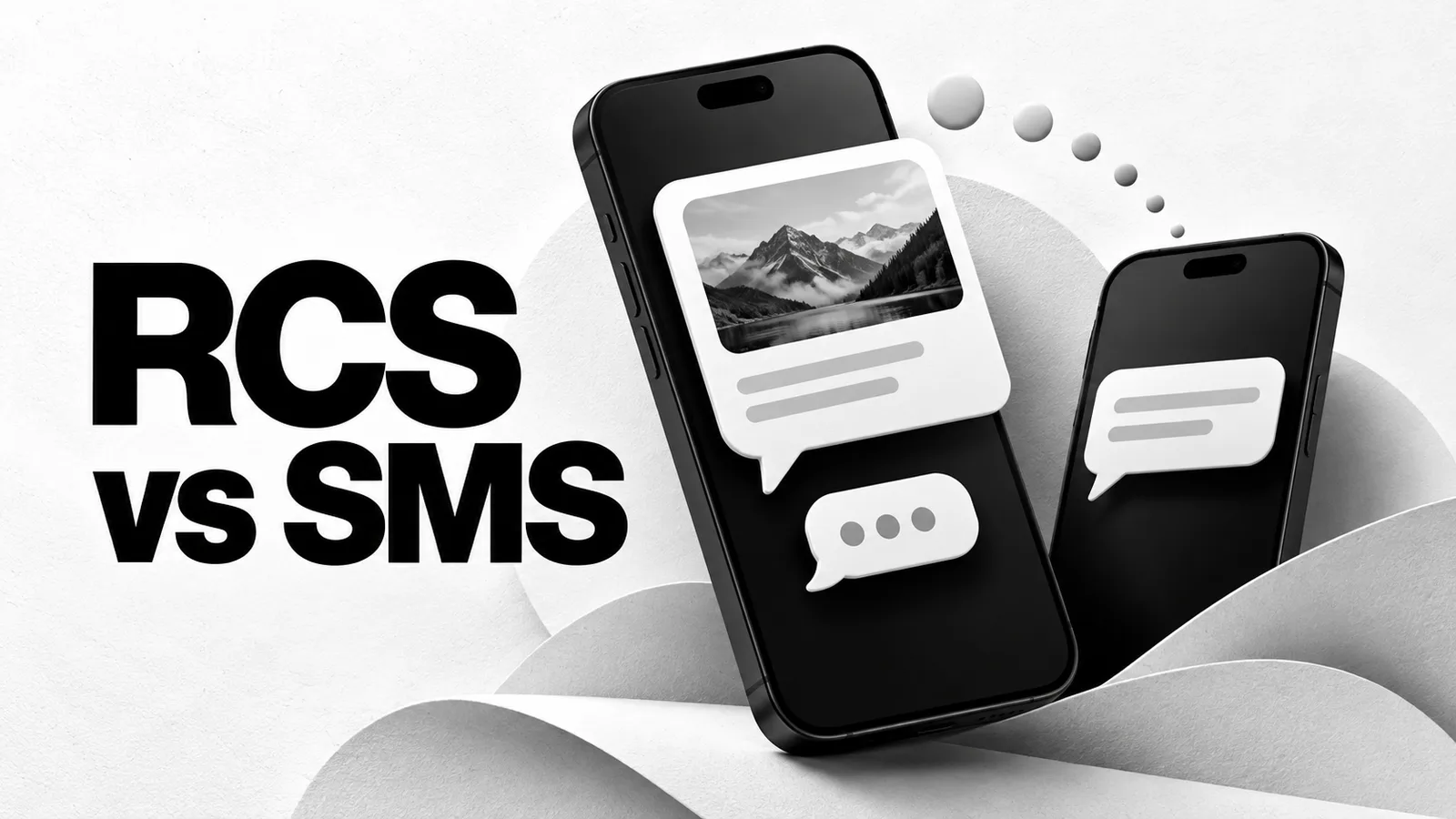
RCS uses mobile data or Wi-Fi to add features such as high-resolution media, typing indicators and read receipts to supported messaging conversations. SMS is the carrier's text-messaging service. A phone can offer both in the same app, which is why a conversation may change method without moving to another application.
RCS stands for Rich Communication Services. To compare RCS vs SMS for a particular conversation, check the method shown by your app, whether the other person has compatible service, and whether encryption is active. A supported feature is not necessarily enabled for every contact.
What changes when a conversation uses RCS?
| Feature | RCS | SMS |
|---|---|---|
| Connection | Mobile data or Wi-Fi | Carrier text-messaging service |
| Content | Text and supported rich media | Text; media attachments use another method |
| Read receipts and typing indicators | Available in supported conversations, subject to settings | Not the RCS-style chat features |
| End-to-end encryption | Depends on the app, service and participants; check the indicator | Not provided by SMS |
| Compatibility check | Both sides need a supported RCS setup | The receiving line needs SMS support |
Google's RCS overview describes the media and conversation features. Read receipts can be turned off, so their absence alone does not prove that your message went by SMS.
For the difference between a text and an attached picture sent through a carrier, see SMS vs MMS. These labels describe message methods; they do not establish whether a number is private or whether an app will accept it for account verification.
How to check RCS in Google Messages
- Open Google Messages and tap your profile picture or initial.
- Open Messages settings, then RCS chats.
- Read the connection status. Connected means RCS is available with other people who have it enabled.
- Open the conversation you want to use and inspect its sending-method and encryption indicators.
If the status says Connecting, number verification is still in progress. A carrier-disabled notice needs attention from that carrier. Google's setup instructions explain these states and the available settings. Avoid repeatedly turning RCS off and on as a general fix; Google warns that doing so can remove you from group chats.
What about RCS on iPhone?
You need a compatible iPhone setup and a carrier that supports RCS. Apple's RCS setup guide lists iOS 18 as the minimum for RCS and explains that service availability depends on the carrier.
A green bubble can represent RCS or SMS/MMS, so color alone cannot distinguish them. Check the conversation's details and available RCS settings. iMessage is a separate service and uses blue bubbles on iPhone.
Is every RCS conversation end-to-end encrypted?
Check the actual conversation. Google's encryption guidance describes eligible conversations between Google Messages users with RCS enabled and a data connection. It identifies a lock on the send button and beside the message timestamp as an encryption indicator.
Apple's message-type guide also makes encrypted RCS conditional on supported software and carriers for the participants. Where its supported encrypted service is available, the conversation shows an encryption label and lock. Do not assume that every Android-to-iPhone chat is encrypted because RCS is enabled somewhere in the settings.
If a conversation changes to SMS or MMS, those messages do not inherit end-to-end encryption from an earlier RCS exchange. Check the current method before sending something sensitive.
What happens when RCS is unavailable?
The app may offer or use another delivery method, depending on its settings and the service available. Google's message-delivery instructions describe opening an undelivered message and using its timestamp to switch to SMS/MMS. A fallback can change features, privacy and the way your carrier charges for the message.
If Google Messages offers SMS with a link for media, Google warns that the media may be reachable through a public link outside its control. Read the selected option before using it for a private attachment. For long text sent as SMS, the SMS segment limits become relevant again.
Does RCS replace SMS verification?
The sending service chooses how it delivers a verification request. Turning on RCS in your app does not make an unrelated service deliver a code through RCS, or send it to a different number. Follow the destination and method shown on the signup or login screen.
If the request says SMS and no code arrives, use the verification-code checks. If you are comparing a browser inbox with a line you control, review the SMS service description as well. Reading messages on a shared webpage does not enroll that number in an RCS conversation on your phone.